
Why It Feels Awkward at First
The discomfort of the first few hours is not a sign of a bad graphics tablet, and it is not a lack of talent. For years your brain learned to draw where your eyes are looking. A tablet splits that link.
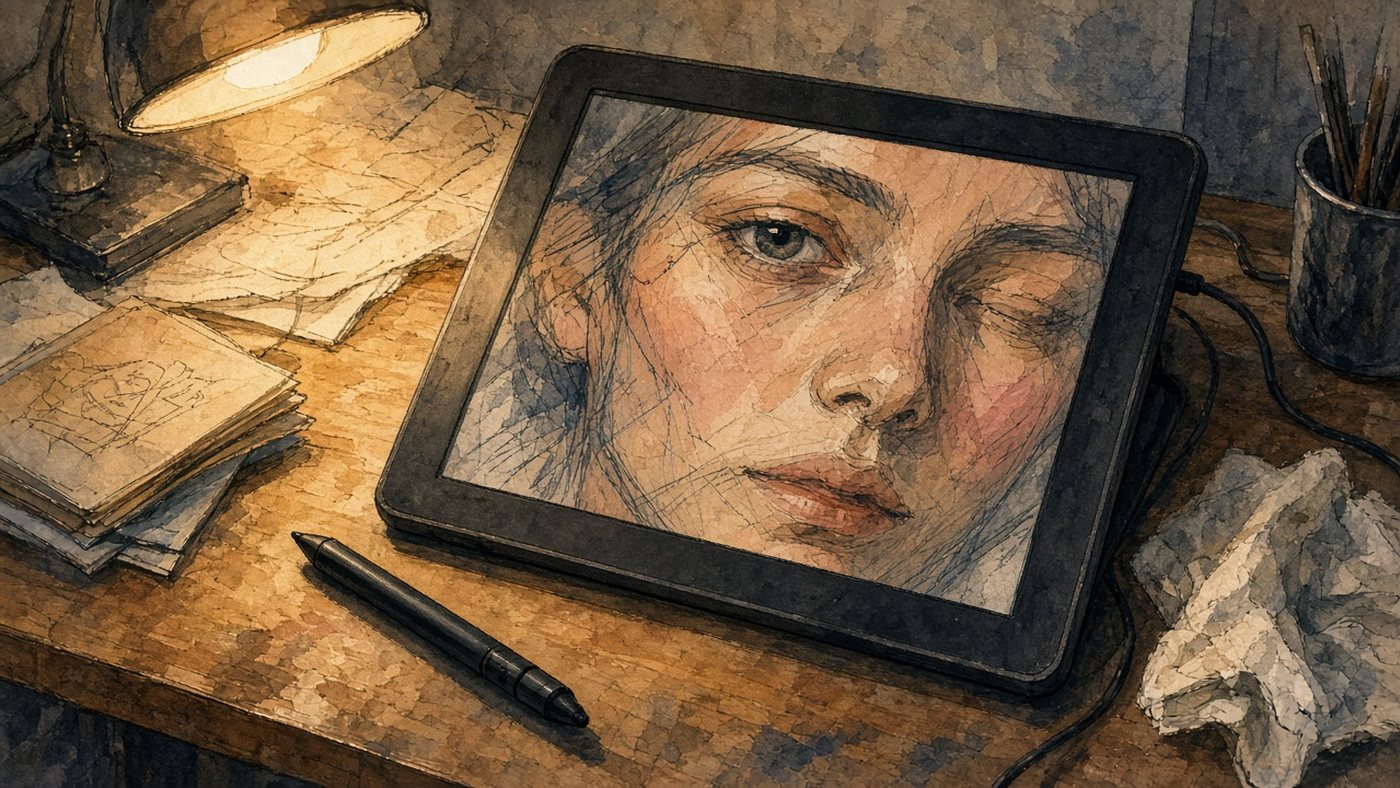
Your Hand Is Down, the Image Is on the Screen
You move the pen across the desk, and the line appears 30 centimeters higher. Do not glance at your hand. Look only at the screen, even when you badly want to check where the pen is. Every look down rolls the learning back.
A Slippery Surface and Too Little Friction
Paper grips the graphite. The plastic of a tablet does not. The pen skates, the line shoots past the point, and the stroke comes out longer than you meant. A matte film and a replacement nib fix that.
Coordination Exercises
The three exercises below take 10 minutes, and in a week they give you more than a month of random drawing. Do them at the start of every session.
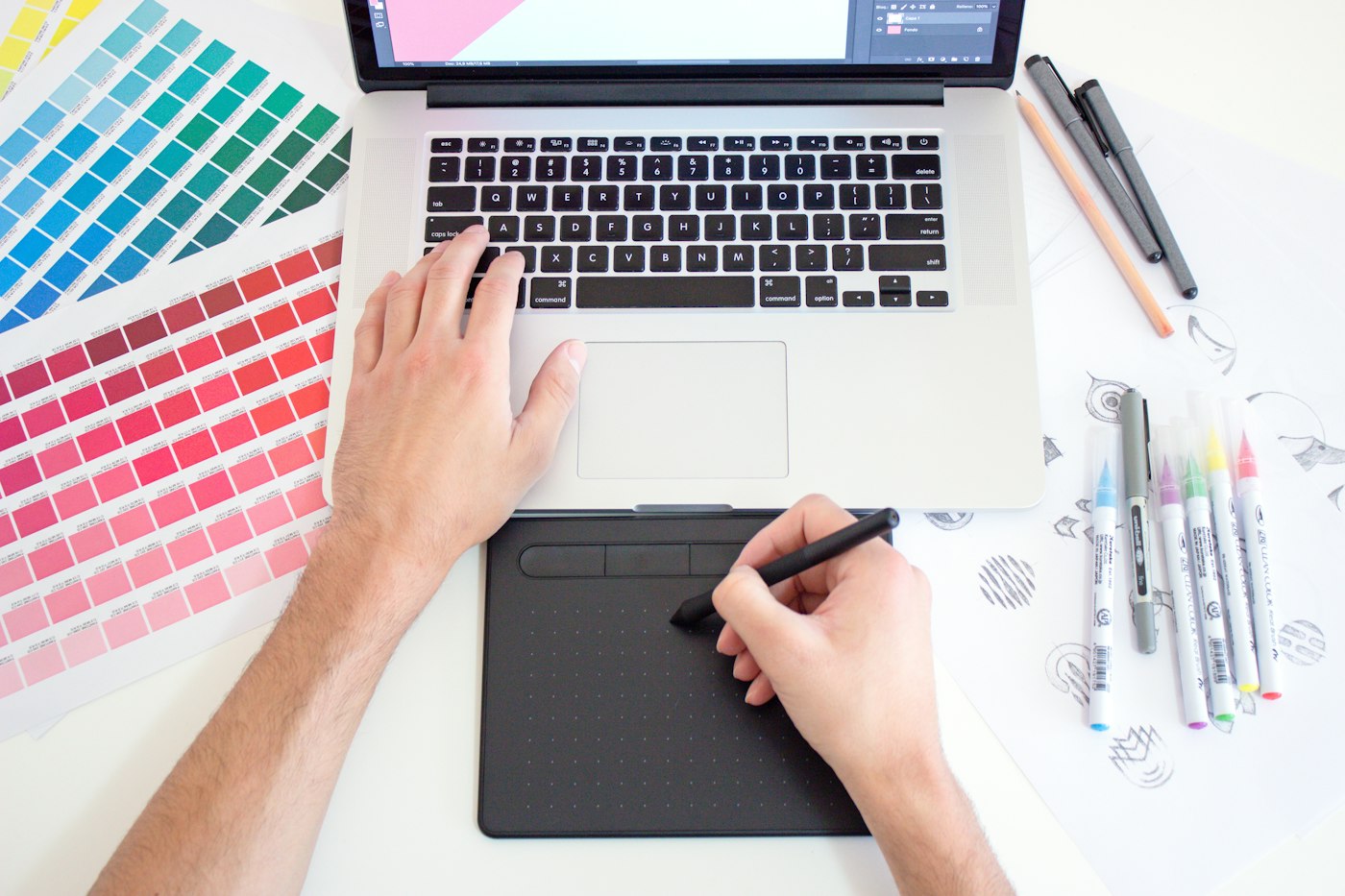
Connecting Dots on the Screen
- Drop 20 random dots across the canvas with a large brush.
- Connect them in pairs with one quick motion.
- Look at the destination point, not at the tip of the pen.
- Do three rounds. By the third, the lines start landing on the target.
Then make it harder: connect the dots with arcs, and place them closer together. The same idea is covered in the article on straight lines.
Tracing Simple Shapes
On the bottom layer, draw a circle, a square, and an ellipse, and set the opacity to 30 percent. Create a new layer above it and trace each contour 10 times. The goal is not beauty. It is hitting the starting point.
Writing Your Name with the Pen
On the canvas, write your first name, then your last name, then the alphabet from A to Z. Handwriting is the most practiced motion your hand has, so it honestly shows your level of control. In a week the signature will look almost normal.
Check
Draw the same straight line across the whole canvas every day, and save the result in a separate file. After seven days, compare them. The line will stop wandering. That is the main sign of adaptation.
Settings That Ease the Discomfort
Half of a beginner's misery is not skill. It is the wrong settings. Fifteen minutes in the driver will save you a week of irritation.
Map the Tablet to One Monitor
With two screens, the tablet stretches across both, the working area turns into a narrow strip, and accuracy drops by half. Point it at one monitor and turn on aspect-ratio lock, or circles will come out as ovals. The rest is covered in how to set up a graphics tablet.
Film and Nibs
- A matte film adds friction, so the pen behaves like a pencil.
- A felt nib removes the tapping and makes the motion softer.
- Replace a plastic nib once it wears down at an angle.
- Soften the pressure curve if the lines come out too thin.
If the line still wobbles, turn on line stabilization at a low setting. At maximum, the pen starts to float with a delay.
Your First Pieces on a Tablet
Exercises get old fast, so by day three make something finished. The two tasks below produce a result you will actually want to show.
A Sketch from a Reference
Take a photo of a simple object: a mug, a cactus, a sneaker. Set a timer for 10 minutes and draw on one layer with no erasing. You need the silhouette and the proportions. Five sketches like that in an evening take away the fear of ruining a piece.
Line Art from Your Own Paper Drawing
Photograph your paper sketch and place it on the bottom layer. The construction is already done, so all your energy goes into line quality. Clean-contour methods are collected in the article on line art.
How Long Adaptation Takes
The timeline depends on regularity, not talent. At 20 minutes a day, the pen stops feeling foreign in about a week.
A Day-by-Day Schedule
- Days 1–2: dots, lines, writing your name. Everything looks awful. That is normal.
- Days 3–4: tracing shapes and 10-minute sketches. You start hitting the point.
- Days 5–7: line art from your own sketch. Your hand stops hunting for the pen with your eyes.
- Days 8–14: regular work. Exercises only as a warm-up.
Signs Your Hand Has Adjusted
You no longer look at the tablet, only at the screen. The line lands on the first try, and undo is needed once every five minutes, not constantly. If that has not happened after two weeks, check your settings and how you sit at the desk.
Time to draw, not just read
Theory fades in a couple of days if you never use it. Open the editor and spend 15 minutes on what you just read. That is enough for the skill to stick.
Try it now
A free online editor: brushes, layers, a palette, and a shared canvas. No install and no sign-up.
Start drawingTopics in this guide
- drawing on a tablet without paper
- getting used to a graphics tablet
- switch from paper to a tablet
- graphics tablet exercises
- hand to screen coordination
← How to Learn to Draw Online from Scratch: A Step-by-Step Guide Drawing Courses for Beginners: How to Choose without Wasting Money →