Completely free
Every tool is open from the start: no subscription, no trial, and no watermark on your work.
Draw with friends in real time in a free online editor. A place to make things together, with playful modes, chat, and a simple interface. Start creating right now.
Step-by-step guides on basics, tools, and genres, plus a browser editor where you can use what you just read. No software to install, no subscription, and no “buy a tablet first.”
1000+
shared drawings
500+
already drawing together
10
people on one canvas
Free
no install, no subscription
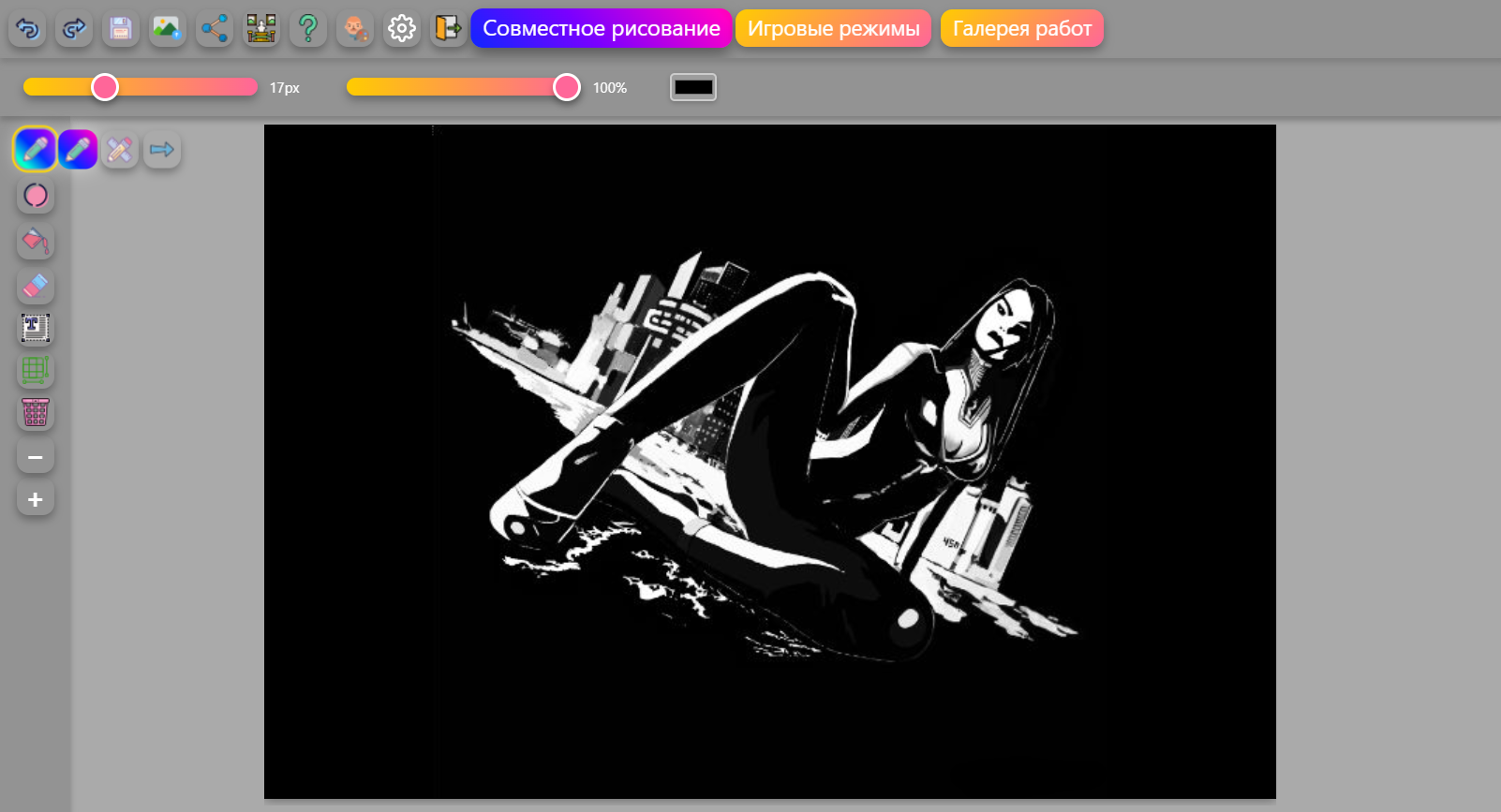
Read a guide, open the editor in the next tab, and do the exercise. The skill sticks the same evening.
Every tool is open from the start: no subscription, no trial, and no watermark on your work.
Nothing to download. On a computer, tablet, or phone, the editor opens in a couple of seconds.
Up to 10 people draw in the same room at once. Send friends a link and chat right on the canvas.
From the first line to a portrait: step-by-step articles with exercises, practice plans, and checklists.
Click the button and you are already drawing. Save the finished piece as PNG, JPG, or SVG.
Coloring pages, an art relay, and “copy this drawing” on one canvas. You draw together, not in separate windows.
Hover or tap a piece to see it up close.
Click “Start drawing.” The canvas, brushes, and palette are ready.
Choose an article for the job in front of you: line, proportion, portrait, or landscape.
Fifteen minutes of practice, following the steps in the article. Undo a mistake instead of starting over.
Send a link to the room and draw together on the same canvas.
Articles are grouped by topic and linked to each other. Inside each group they move from fundamentals to practice.
The fundamentals that keep a drawing from falling apart: line, form, light, color, and composition.
Online editors, tablets, layers, brushes, and file formats, explained in plain language.
How to study in the browser: practice plans, references, portfolios, and feedback.
Portrait, landscape, anime, fantasy, sketching, and calligraphy, step by step.
The blank page, burnout, critique, and the habit of drawing every day.
No. The editor runs in the browser on a computer, tablet, and phone. You do not need an account either. You can start drawing right away.
Start with two guides: “Drawing Basics” and “How to Learn to Draw Online from Scratch.” They lay out the skill order and a first-month plan of 15–20 minutes a day.
Yes. A mouse is comfortable for line art, pixel art, and flat illustration, and a phone is fine for finger sketches. There is a separate guide for each case.
The first visible change shows up after about 20–30 hours of practice, which is a month of 20-minute sessions. Confident finished pieces take 300–500 hours.
Yes. Up to 10 people draw in one room at the same time. Send them a link. There is a chat and there are playful modes, including coloring together.
The finished drawing saves to your device as PNG, JPG, or SVG. You can add it to the shared gallery and get likes and comments.
No. All 173 articles and every editor tool are free. There are no hidden charges and no time limits.
Yes. Ages 3–6 do well with coloring and fills for 10–15 minutes. Ages 7–12 can handle simple form exercises. There is a separate guide on drawing with kids online: “Drawing for kids online.”
Join the people who are already drawing together on the platform.
No sign-up required. Start right now.